Skip to content
For iPhone, iPad and Apple Watch

What week is it?

Ukenummer answers before you ask: on the app icon, on your Home Screen and Lock Screen, in Control Center and on Apple Watch. With Norwegian public holidays and the history behind every day.

Free · Norwegian & English · No account · No ads · No data collected

The week number right now

–
Inside the app

The week, the holidays and the history – in one place.

Ukenummer was rebuilt from the ground up with one goal: that you always know what week it is.

Week

A big week number, every day in view

See the week's dates, which day of the week it is and how long until the next public holiday.

  • Step between weeks, or jump to any date and see its week number
  • ISO 8601 week numbers – right around New Year and in week 53 too
  • The week number on the app icon, updated every Monday
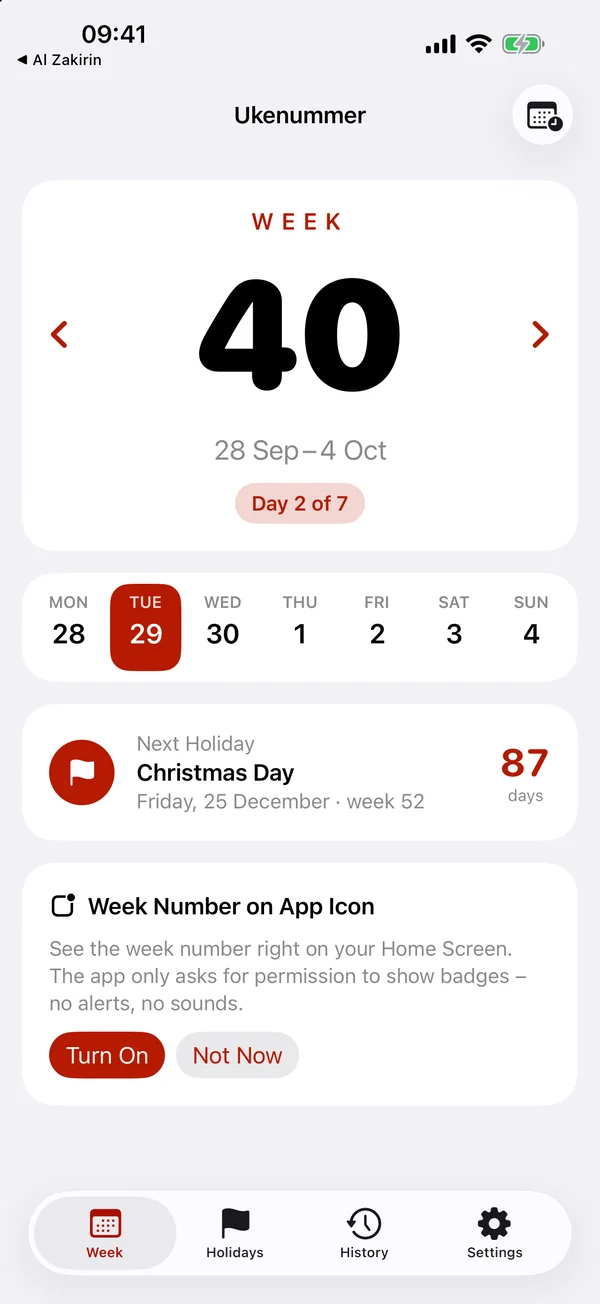
Week tab: a large week number 40, the dates 28 September to 4 October, the days of the week and a countdown to Christmas Day.
Holidays

Every Norwegian public holiday, for any year

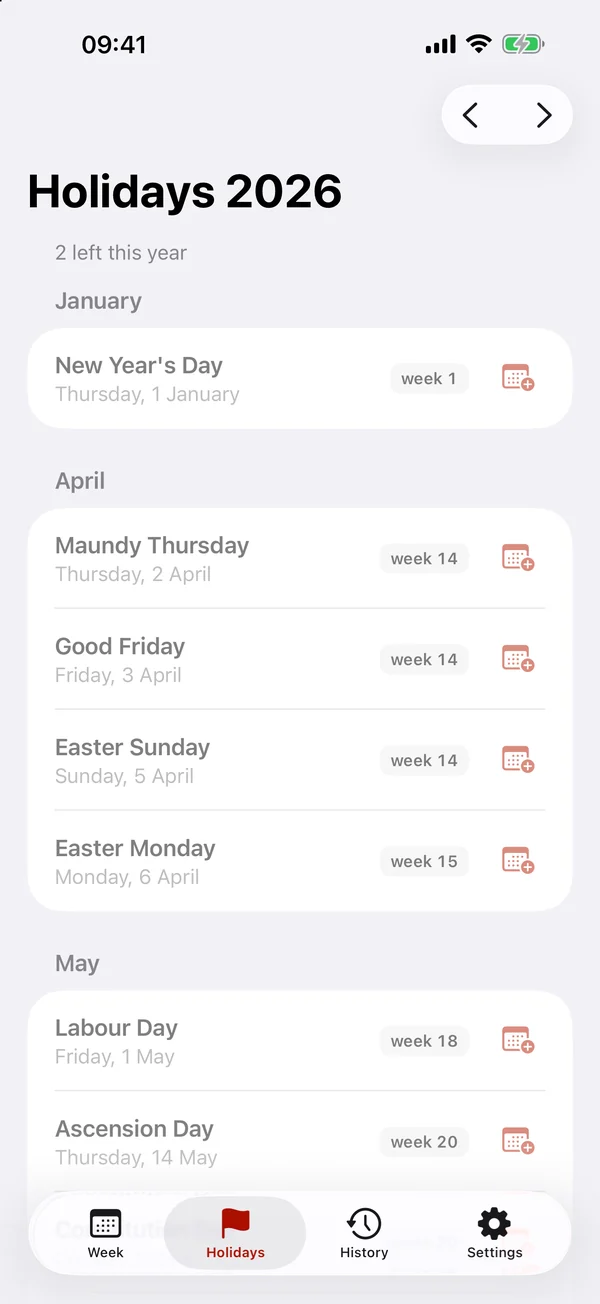
Calculated on your phone, so they work offline. Each holiday shows its week number and how long is left.

  • Easter, Pentecost and Ascension Day are worked out automatically
  • Add a holiday to your calendar with one tap
Holidays 2026 grouped by month, with week numbers and an add-to-calendar button.
History

On this day

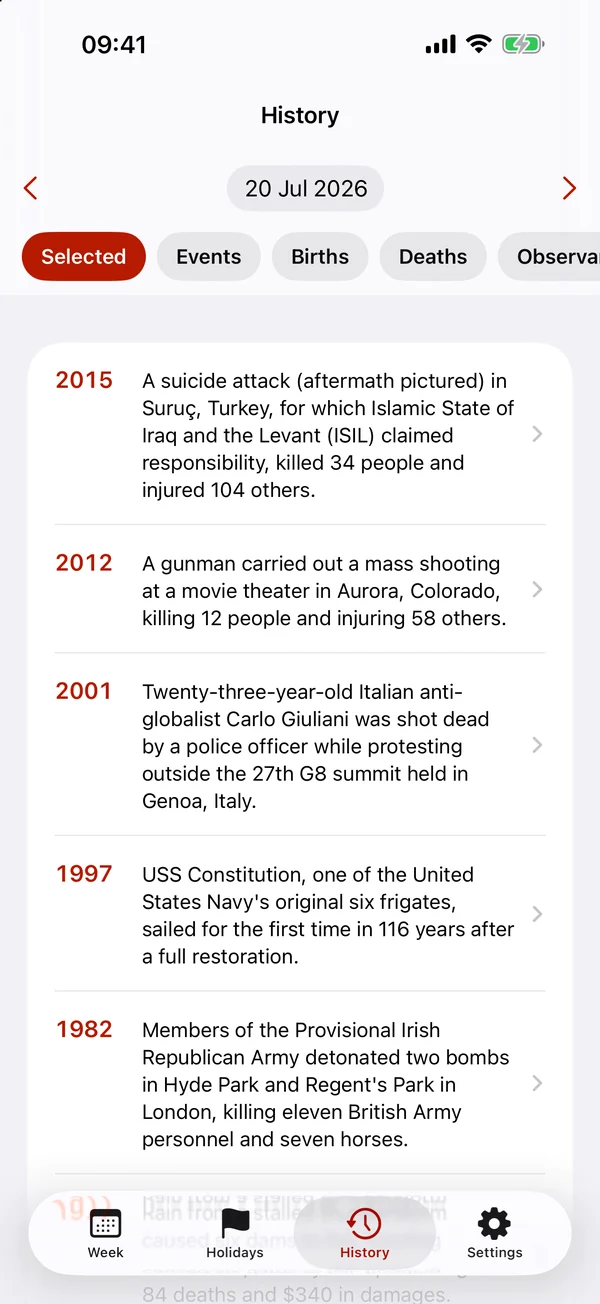
Events, births and deaths from history for every day of the year, from Wikipedia.

  • Tap a day of the week to see its history
  • Read more on Wikipedia or share it
History tab for 20 July 2026 with events from Wikipedia and the categories Selected, Events, Births and Deaths.
Widgets

The week number where you look.

Widgets for the Home Screen, Lock Screen and StandBy – and a control in Control Center. Everything is calculated on your phone and refreshes at midnight.

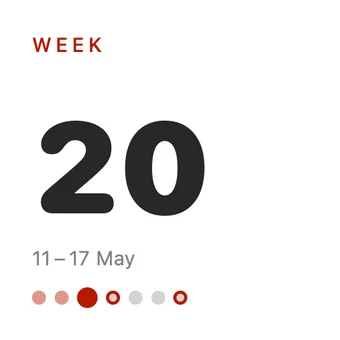
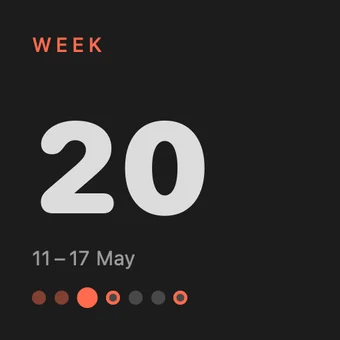
Small widget: WEEK 20, 11–17 May, and the days of the week as dots. Small widget in dark mode: WEEK 20, 11–17 May.
Small: the week number and its days
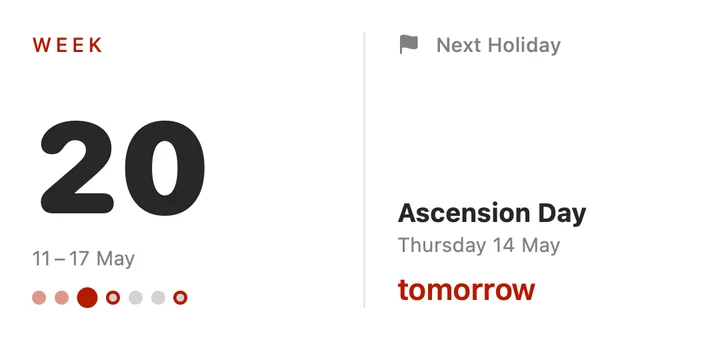
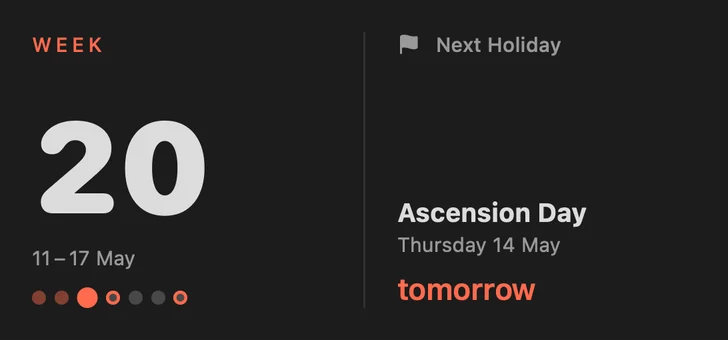
Medium widget: WEEK 20 and the next holiday, Ascension Day, tomorrow. Medium widget in dark mode: WEEK 20 and the next holiday.
Medium: the week and the next holiday
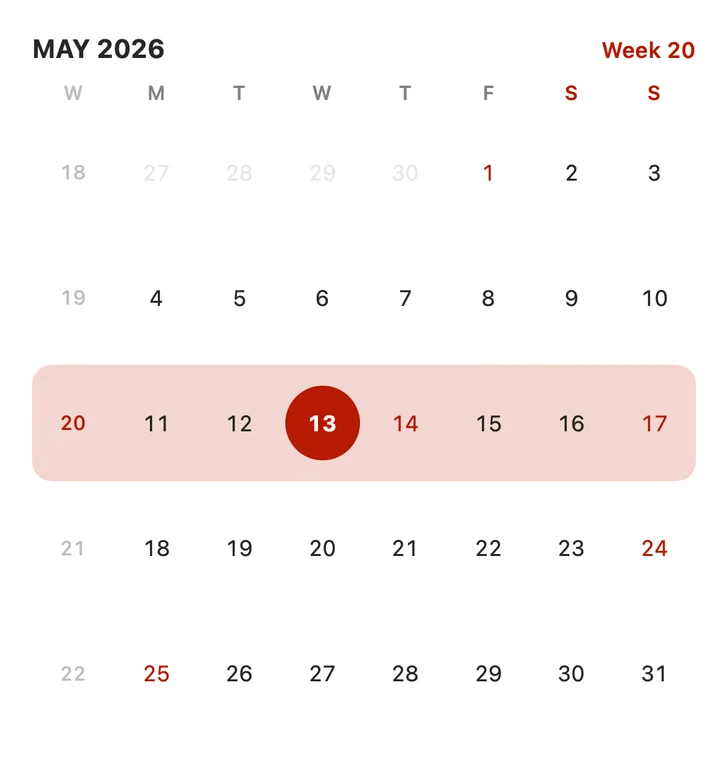
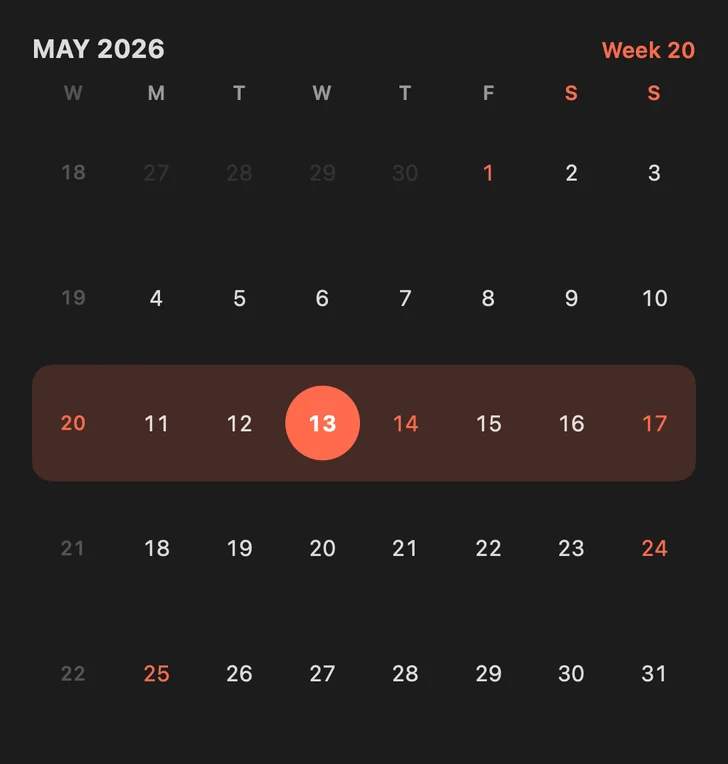
Large widget: a May 2026 calendar with week numbers down the left edge and holidays in red. Large widget in dark mode: a May 2026 calendar with week numbers.
Large: the month with week numbers
Circular Lock Screen widget showing week 20. Rectangular Lock Screen widget: WEEK 20, Ascension Day, tomorrow.
Lock Screen
Week 20Control Center
A control in Control Center
Apple Watch

One glance at your wrist.

A watch app of its own and complications for your watch face. Turn the Digital Crown to step between weeks.

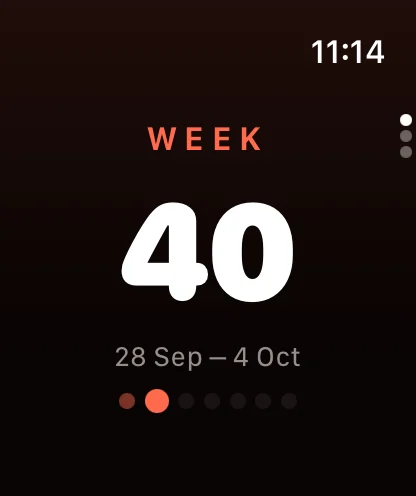
Apple Watch: WEEK 40, 28 Sep – 4 Oct.
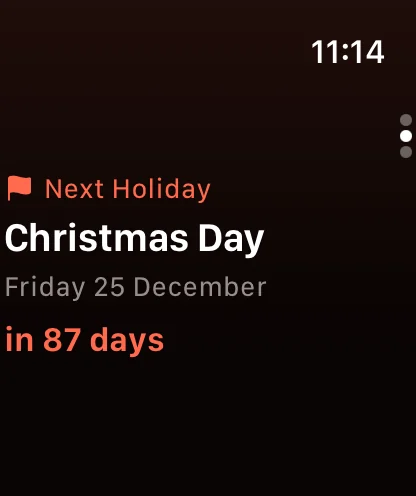
Apple Watch: the next holiday is Christmas Day, Friday 25 December.
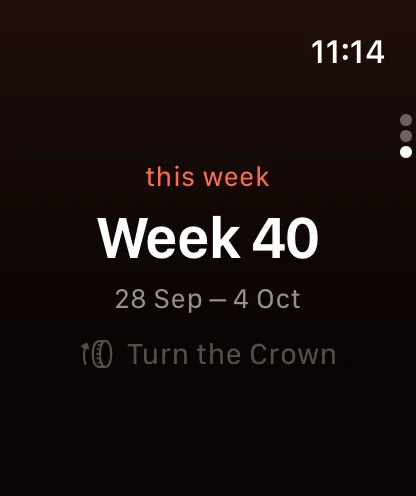
Apple Watch: Week 40, turn the crown to step between weeks.

Requires watchOS 10 or later (Apple Watch Series 4 and later).

Holidays

Norwegian public holidays with week numbers

The twelve official public holidays, with week numbers and how long is left – the same data as in the app.

2026
Norwegian public holidays
HolidayDateWeekWhen
New Year's DayThursday 1 Januaryweek 1
Maundy ThursdayThursday 2 Aprilweek 14
Good FridayFriday 3 Aprilweek 14
Easter SundaySunday 5 Aprilweek 14
Easter MondayMonday 6 Aprilweek 15
Labour DayFriday 1 Mayweek 18
Ascension DayThursday 14 Mayweek 20
Constitution DaySunday 17 Mayweek 20
Whit SundaySunday 24 Mayweek 21
Whit MondayMonday 25 Mayweek 22
Christmas DayFriday 25 Decemberweek 52
Boxing DaySaturday 26 Decemberweek 52
Questions

Good to know

Which week numbering does Norway use?

Norway uses ISO 8601: weeks start on Monday, and week 1 is the week that contains the year's first Thursday. Some years therefore have 53 weeks, and the first days of January can belong to week 52 or 53 of the year before. Ukenummer always follows this standard, whatever region your phone is set to.

How do I get the week number on the app icon?

Turn on "Week Number on App Icon" in the app. It only asks for permission to show badges – no alerts or sounds – and updates the week number every Monday, even when the app isn't open.

Does it cost anything?

No. Ukenummer is free, with no ads, no account and no tracking.

Which devices are supported?

iPhone and iPad with iOS 18 or later, and Apple Watch with watchOS 10 or later.

Does the app collect data?

No. Everything is calculated on your device. The only network request fetches history from Wikipedia. Read more in the privacy policy.

Always know what week it is.

Free on the App Store for iPhone, iPad and Apple Watch.